
<Bold_Prompts> #4
Level up your image-generation skills with templated prompts

Welcome to the 4th issue of <Bold Prompts>: the weekly newsletter that sharpens your AI skills, one clever prompt at a time.
Every Tuesday I send you an advanced prompt plucked straight from a real-world application. Think of these emails as mini-courses in prompt engineering.
Why is this useful?
Prompt engineering is the language we use to interact with AI models — and those interactions cover an increasing number of tasks, such as:
Code generation
Data analysis
Image generation (today’s topic)
Designing AI agents
Using AI for such tasks will both augment your current skills and help you unlock new ones. The key to getting there is to write high-quality prompts, and that’s what we do here.
Today’s prompt is inspired by my friend Jagseer.
Jagseer is a graphic designer who skillfully uses a bunch of tools to make his clients’ content shine — book covers, Instagram posts, PDF guides: you name it, and Jagseer can do it.
Over the past year, Jagseer has invested much of his time in mastering Midjourney. His goal was to use AI to elevate his design game and that’s exactly what he did.
Nowadays, Jagseer uses Midjourney to generate everything from hyper-realistic portraits to fruit-shaped homes to superhero memes — all of which add a distinctive touch to his designs.
Jagseer makes image generation look so freaking easy you’d think everyone is good at it — and this brings us to the trap of image generation.
Image generation is easy to pick up, but hard to master.
Say you enter a half-baked sentence like “two friends walking in Tokyo by night, cyberpunk atmosphere, neon light, futuristic clothes.” You’ll likely end up with a stunning image and think to yourself “Wow this is pretty easy!”
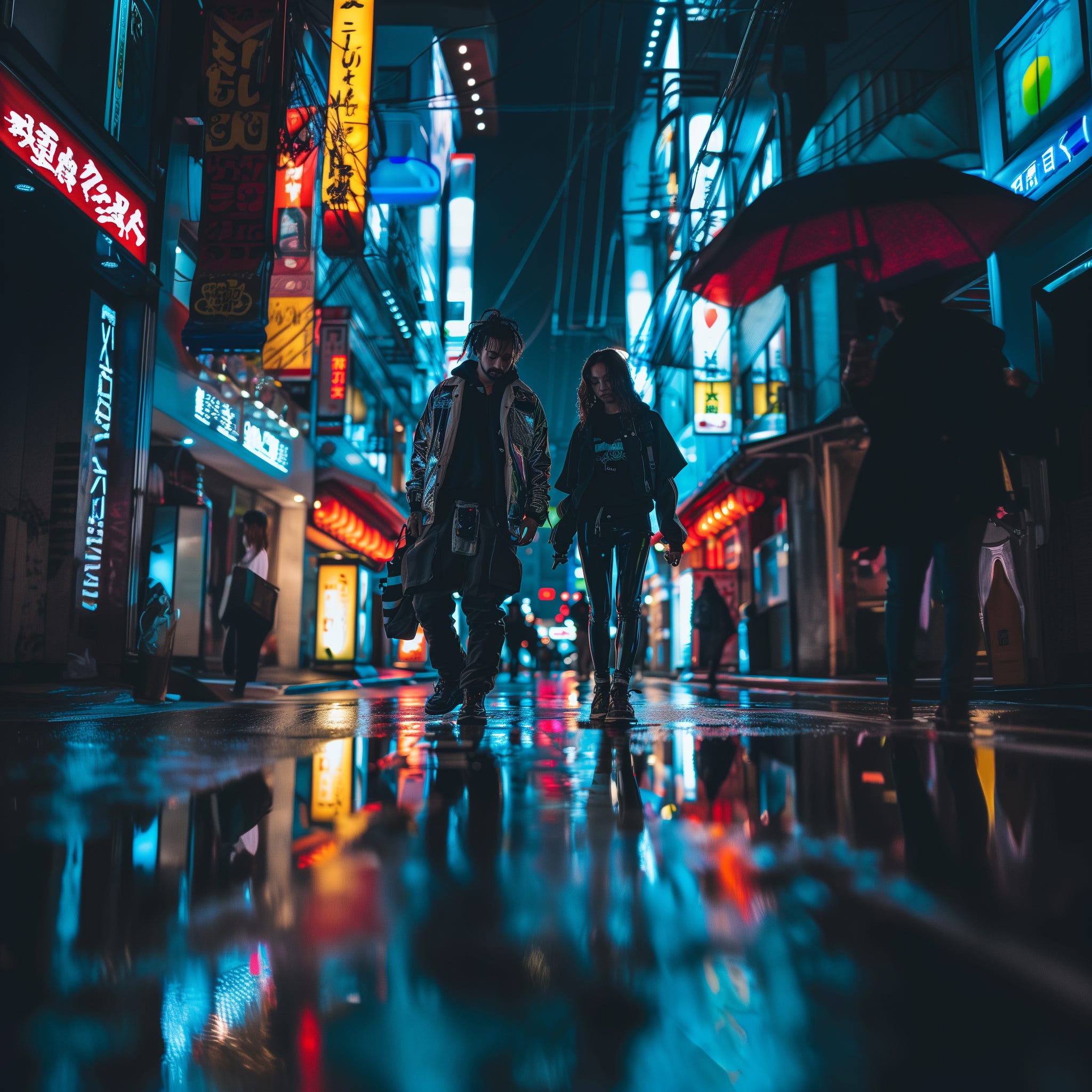
Now try adding some details.
Perhaps it’s raining. Maybe it’s snowing. How tall is the guy? What color is the girl’s hair? What gadgets are they wearing? What’s written on the neon lights? Why not make one of the two friends ride a floating skateboard? Make the second one a cyborg?
When you have a clear sketch in mind, image generation turns into a completely different game. Play it once and you’ll instantly go from “impressed” to “disappointed” because you’ll realize it’s hard to write a prompt that bridges the gap between your imagination and the output of your favorite model.
“But wait,” you may say, “why should I even bother with image-generation prompts?”
First, because it’s fun.
Second, because it’s useful.
You can create original images that are uniquely yours, and you can use them to:
Upgrade your PowerPoint presentations and lengthy reports
Design cool mockups
Personalize your website
Flex on LinkedIn
Be careful, though. Compared to prompting LLMs, image generation is a different beast. Sure, the core elements remain the same — you want to write precise descriptions, use an elegant format, and tweak parameters.
But while working with Jagseer, we noticed a crucial distinction: outputs are noisy, and every prompt is its own decision tree.
In plain English, this means the same prompt can produce extremely different outputs and each output can branch out into countless variations.
This is especially true for Midjourney, but the same principle applies to other image-generation tools. That’s why prompting images requires a lot of patience and a knack for trial and error.
Another tricky aspect of image generation models is steerability. You can steer LLMs with detailed prompts, but you can’t say as much with image-generation models.
Past a certain threshold, the model’s output detaches from the content of your prompt. So details are great, but too many details become destructive.
Sounds like a lot of work, doesn’t it? What to do if you’re lazy like me?
You figure out the right amount of details through a lot of testing — and you turn your findings into a recipe: a reusable template.
Jagseer and I put together flexible prompts we can adapt to various use cases. Instead of writing fully-fledged prompts from scratch, we change a couple of variables inside a given template. From there, all that’s left is running variants of the same prompt.
There are other tricks you can use with image generation models, but let’s keep that for another post.
Today’s prompt is focused on generating images about people.
The template involves character description, setting, lighting, and other parameters. The idea is to allow you to reuse the same template for as many use cases as possible. Efficiency am I right?
Here are three varied examples made with the same template:
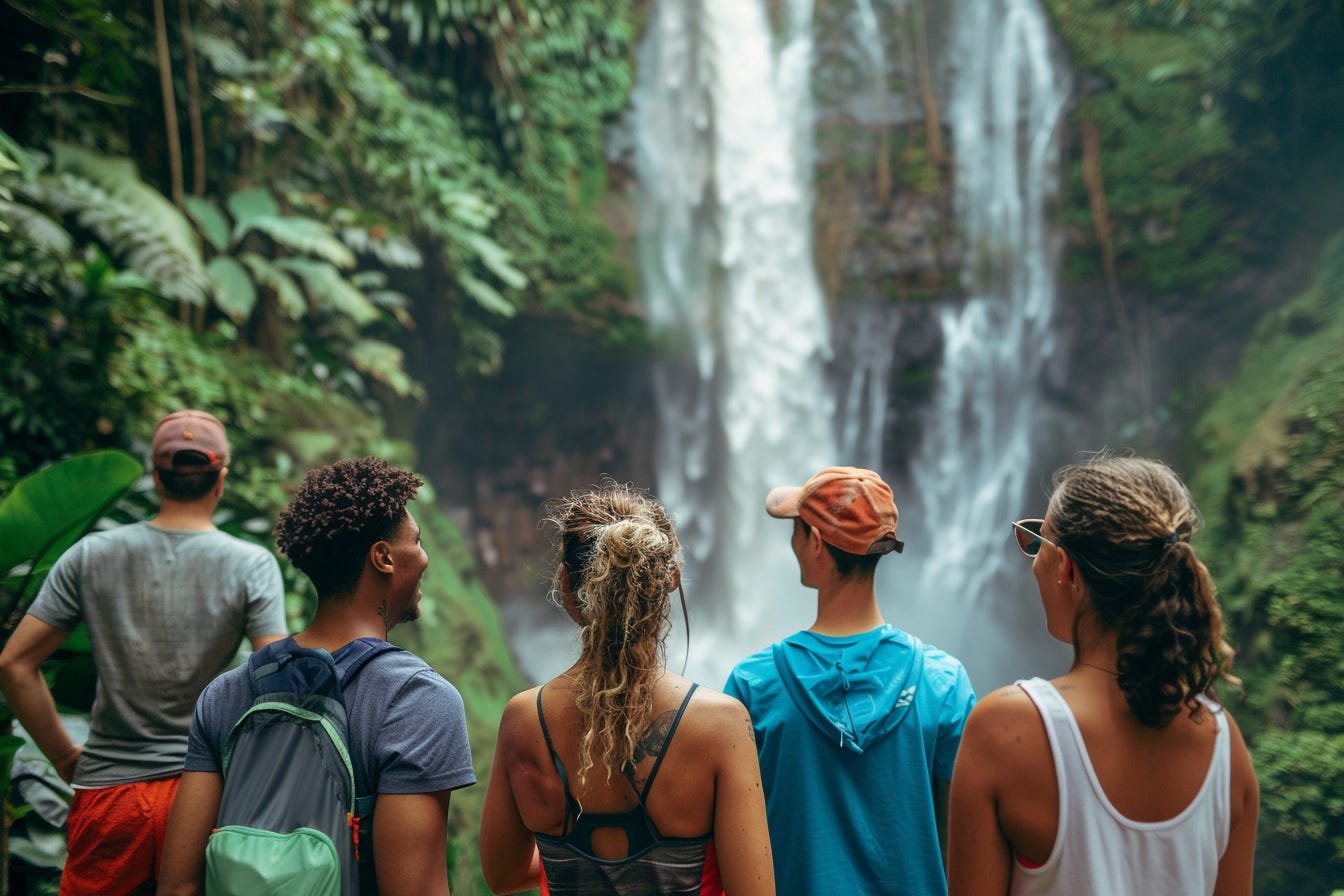
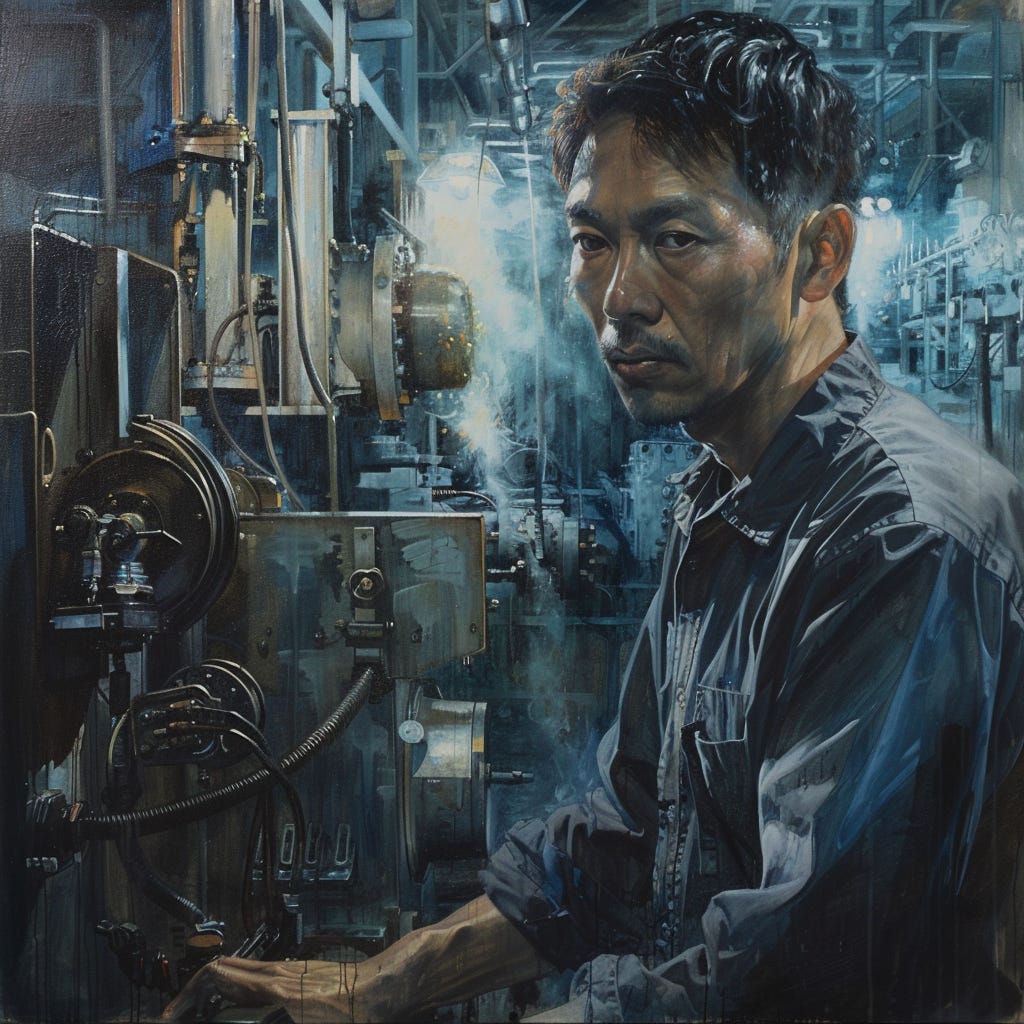
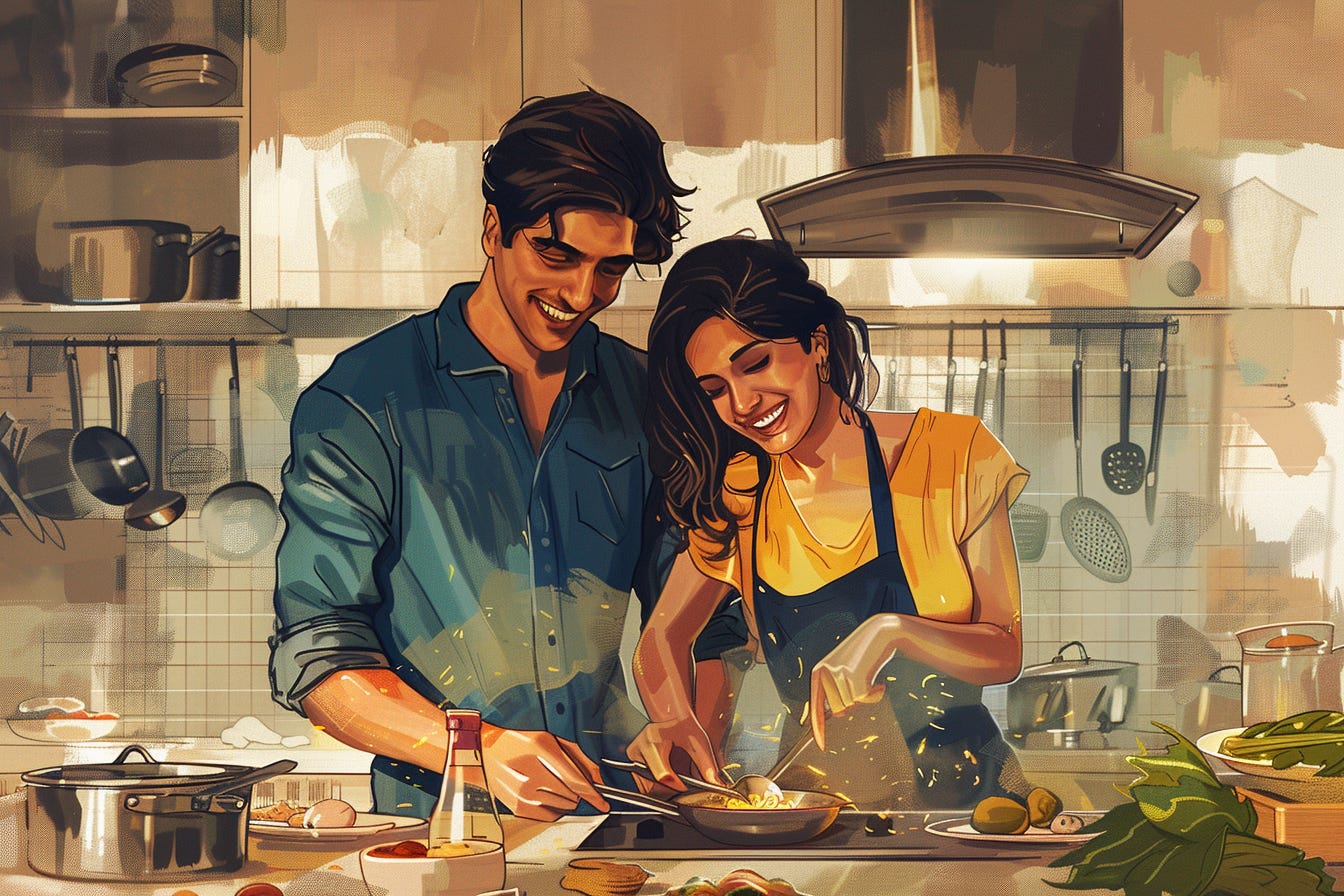
By the way, all of the previous images are one-shots. I could’ve improved the output by cherry-picking the best variations, but that would be cheating and we don’t do that around here.
Now let’s dive into the prompt itself:
Keep reading with a 7-day free trial
Subscribe to The Bald Prompter to keep reading this post and get 7 days of free access to the full post archives.